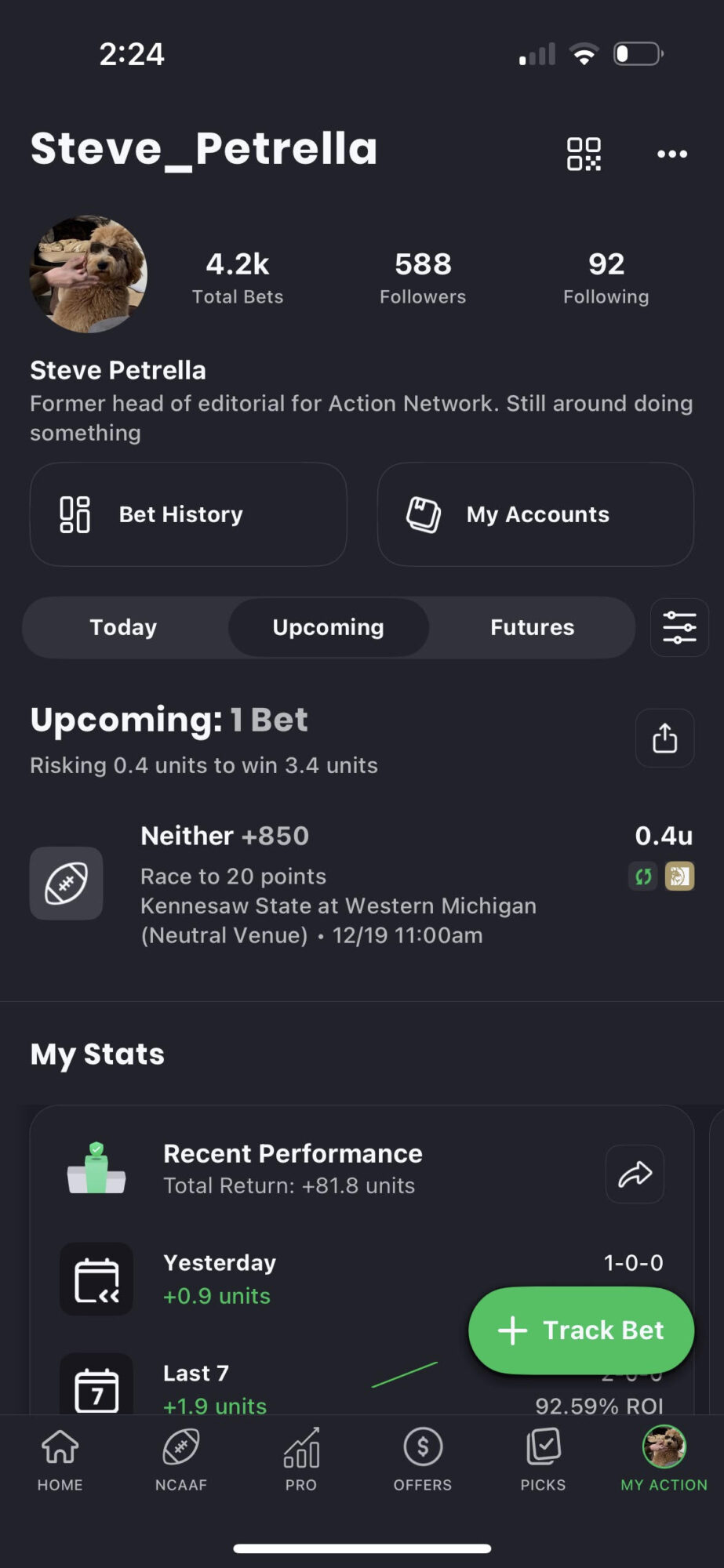


Tracking all your sports bets across a variety of books has always been a challenge. Then came The Action Network app, which made tracking and following your bets a breeze.
Now, it's getting even easier.
BetMGM is back live with BetSync, our feature that does exactly what it sounds like — automatically tracks bets placed at a sportsbook in The Action Network app.
You no longer need to manually enter your bets after you’ve placed them if you’re in an approved state and betting at one of our BetSync books. Your bets will track automatically.
Here's how it works.
Setting Up BetSync
1. Create an MGM Account
Create a BetMGM account to start with BetSync.
2. Sync Your Accounts
Once you've signed up at BetMGM, head to the Action Network app.
- Make sure you're logged into your Action Network account, or create one.
- Go to your profile in the Action Network app, then Settings
- Go to the "My Books"
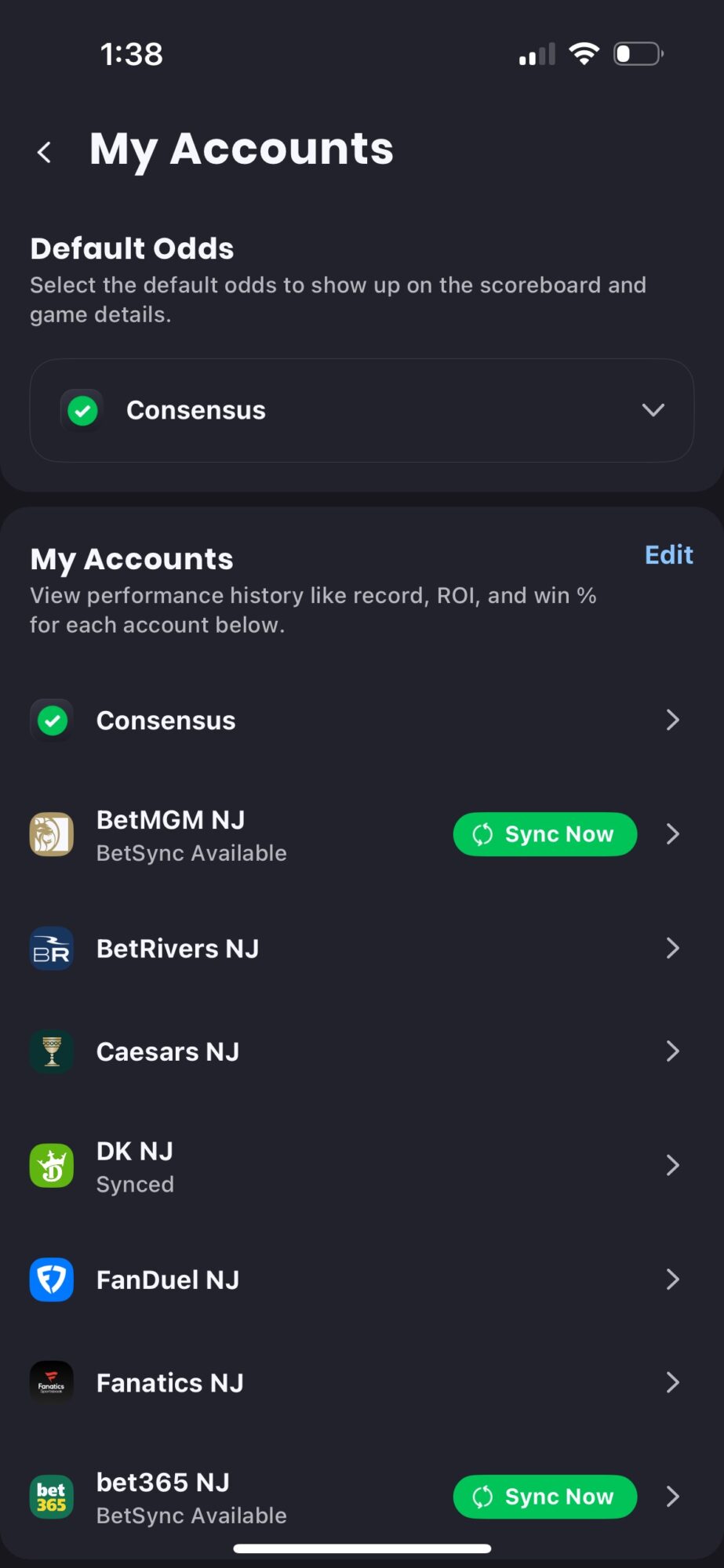
- Click "Sync Now" next to BetMGM
- You should be linked once you login; hit "Retry" if it doesn't work
Once you complete this process, you should see BetMGM as a synced book in the Manage Books tab of Action Network app.
3. Watch the Magic Happen
After syncing, any bet you place at BetMGM will automatically be tracked in The Action Network app. You'll see a "sync" icon next to the BetMGM logo after the bet is placed.